Pussycat hack for Rust
The full package for Rust: Pussycat puts combat and visual modules in one menu. Screen capture bypass is declared, so the overlay stays out of recordings.
Choose period
Pussycat
Before you buy
- Supported systems
- Windows 10 PRO, Windows 11 PRO
- Supported processors
- Intel and AMD
- Game clients
- Steam
- Game mode
- Windowed
This is a summary. Check all requirements and ask the seller about unknown conditions.
Payment goes through the seller’s own storefront (eliteseller.ru). Delivery and order support are handled there — the terms are shown on the payment page before you confirm.
This is a digital product: there is no physical shipping or separate shipping charge.
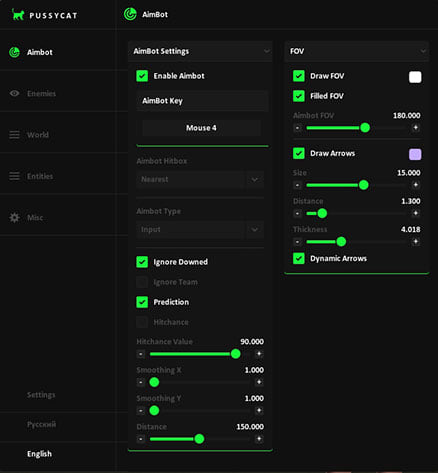
Screenshots
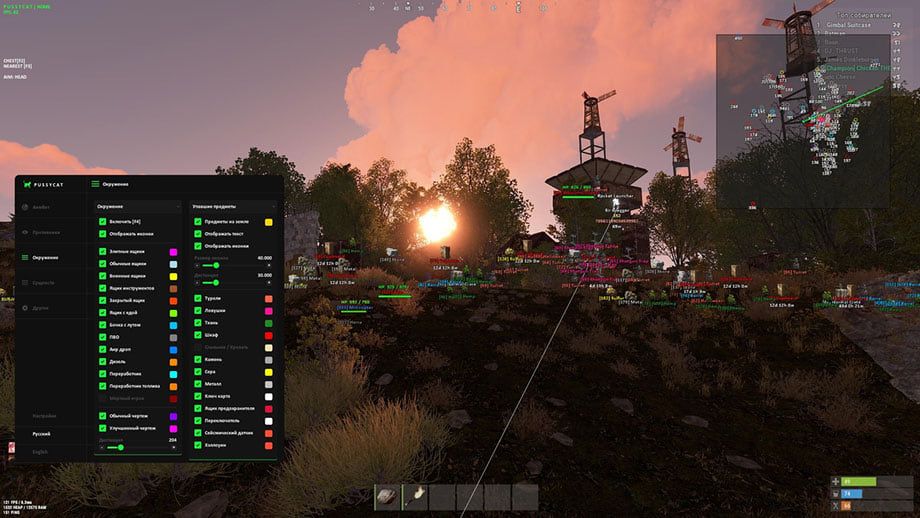
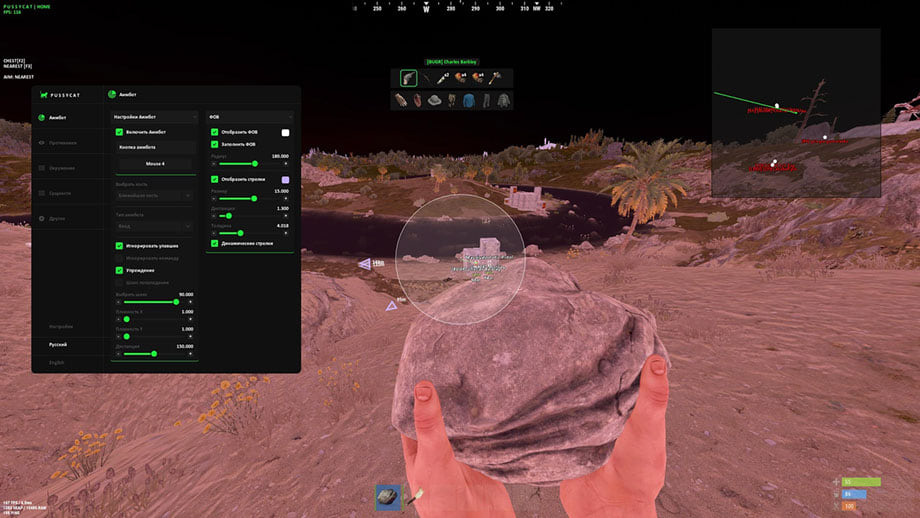
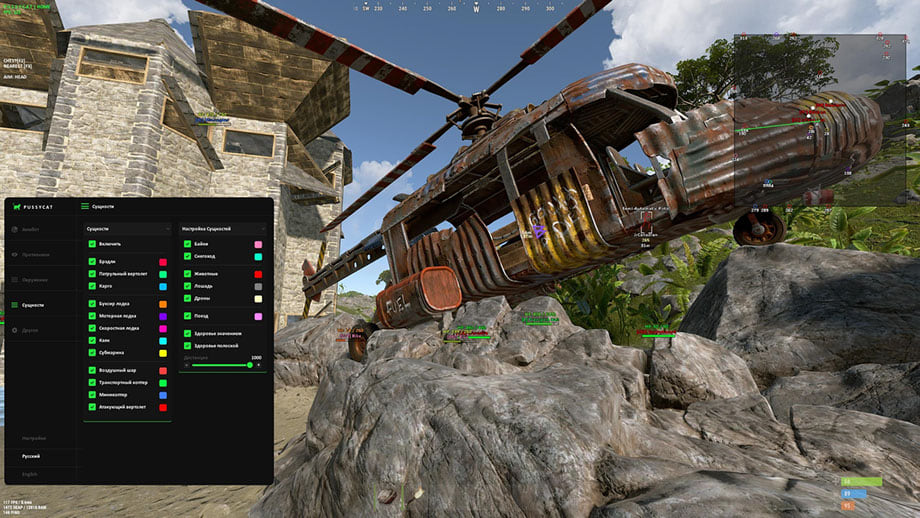
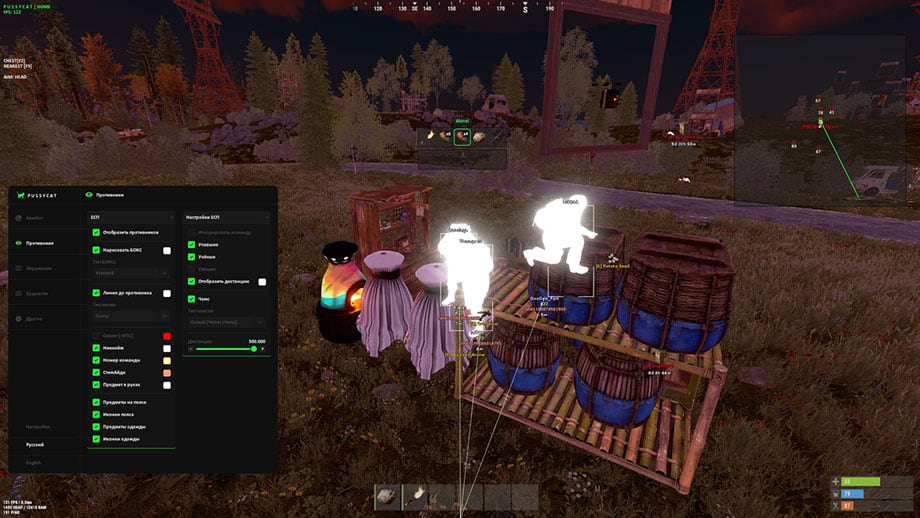
Video demo
The player needs scripts, and they are currently off: Watch onKinescope →
The player needs scripts, and they are currently off: Watch onKinescope →
Features
115Aimbot
- Aimbot Key — Aimbot activation key
- Aimbot Hitbox — Aiming area
- Aimbot Type — Aimbot type
- Ignore Downed — Ignore downed players
- Ignore Team — Ignore teammates
- Prediction — Target movement prediction
- Smoothing X — X-axis smoothness
- Smoothing Y — Y-axis smoothness
- Distance — Action distance
- Hitchance — Hit chance
- Hitchance Value — Hit chance value
- Draw FOV — Display FOV radius
- Filled FOV — Filled FOV radius
- Draw Arrows — Display arrows to enemies
- Dynamic Arrows — Dynamic arrows
Enemies
- Draw BOX — Display boxes
- Box Style — Box style
- Snaplines — Lines to players
- Snaplines Style — Line style
- Skeleton — Display skeleton
- PlayerName — Player names
- TeamID — Team ID
- SteamID — Steam ID
- Item in Hands — Item in hands
- Item in Belts — Items on belt
- Icons Belts — Belt item icons
- Item in Body — Items on body
- Icons Body — Body item icons
- Ignore Team — Ignore teammates
- Wounded Esp — Downed players
- Scientists — Scientist NPCs
- Sleepers — Sleeping players
- Show Distance — Display distance
- Chams — Model highlighting (Chams)
- Chams Style — Highlighting style
- Distance — Display distance
World
- Show Icons — Display icons
- Elite Crate — Elite crate
- Normal Crate — Normal crate
- Military Crate — Military crate
- Tools Crate — Tools crate
- Locked Crate — Locked crate
- Food Box — Food box
- Loot Barrel — Loot barrel
- SamSite — SAM site (anti-air)
- Supply Drop — Supply drop
- Diesel — Diesel barrel
- Recycler — Recycler
- Fuel Recycler — Fuel recycler
- Corpses — Corpses
- Blueprint Basic — Blueprint (common)
- Blueprint Advanced — Blueprint (rare)
- Distance — Distance
- Dropped Items — Dropped items
- Items in ground — Items on the ground
- Show Text — Display text
- Show Icons — Display icons
- Icon Size — Icon size
- Turrets — Turrets
- Traps — Traps
- Hemp — Hemp
- Cupboard — Tool cupboard
- Bags — Bags / spawn points
- Stone — Stone
- Sulfur — Sulfur
- Metal — Metal
- Keycard — Keycard
- FuseBox — Fuse box
- Switch — Switch
- Seismic Sensor — Seismic sensor
- Halloween — Halloween objects
Entities
- Bradley — Bradley APC
- Patrol Heli — Patrol helicopter
- Cargo — Cargo ship
- Tug Boat — Tug boat
- Row Boat — Row boat
- Speed Boat — Speed boat
- Kayak Boat — Kayak
- Submarine — Submarine
- Air Balloon — Hot air balloon
- Transport Copter — Transport helicopter
- Minicopter — Minicopter
- Attack Copter — Attack helicopter
- Bike — Bicycle
- Snowmobile — Snowmobile
- Animals — Animals
- Horse — Horse
- Drone — Drone
- Train — Train
- Health Value — Health value
- HealthBar — Health bar
- Distance — Distance
Misc
- Radar — Radar
- Size — Radar size
- Distance — Display distance
- Spiderman / No Fall Damage — Spider-Man mode / No fall damage
- Clear Cache ESP — Clear ESP cache
- Perfect Weather — Perfect weather
- Bright Night — Bright night
- Ambient Night — Night lighting
- Disable Textures — Disable textures
- Water — Water
- Construction — Construction
- Deployed — Deployed objects
- Grass — Grass
- Trees — Trees
- Terrain — Terrain
- World — World
- Bright Day — Bright day
- Ambient Day — Day lighting
- Debug Camera — Debug camera
- Block Jumps — Block jumps
Settings
- Crosshair — Crosshair
- Font — Font
- Config — Configuration
Safety
Run the first session with a minimal set of modules and in the required window mode.
The required window mode is Windowed; set it before entering a match. The declared bypass covers software capture only, not a camera pointed at the screen.
System requirements
| Supported systems | Windows 10 PRO, Windows 11 PRO |
|---|---|
| Supported processors | Intel and AMD |
| Game clients | Steam |
| Anti cheat | EAC |
| Built in spoofer | No |
| Obs recording bypass | Yes |
| Game mode | Windowed |
Pussycat belongs to the full cheat category and targets Rust. It comes from Pussycat. The menu holds 115 entries across 6 sections. Menu sections: Aimbot, Enemies, World, Entities, Misc and Settings.
What it needs to run
Declared requirements: OS: Windows 10 PRO, Windows 11 PRO; window mode: Windowed; client: Steam; CPU: Intel and AMD. The requirements name EAC, so its updates land on this cheat sooner or later. No spoofer is bundled. Screen capture bypass is declared.
What it actually does
What the menu boils down to: markers for items, containers and stashes, movement modifiers, player models filled with a contrasting colour, opponents drawn on top of the map geometry, vehicle markers and hit and damage counters. Settings live in config profiles.
Access periods
You can take it for 1 day, 7 days or 30 days.
What to know before buying
How payment and delivery work
Checkout happens on the seller's side: for most cheats that is Digiseller, where the key appears on the order page as soon as the payment clears and is mirrored to your email. Some cheats are delivered manually — the key arrives once the seller confirms the order, and that is almost always the only reason for a delay. The licence countdown starts when the key is activated, not when you pay.
Ban risk, plainly
There is no safe cheat — only different odds of being caught in the next wave. Nobody compensates a lost game account: the key pays for access to software, not for an outcome.
Why cheats get detectedBefore the first launch
A radar renders on a second screen or phone and never touches the game itself — that is what makes it calmer than internal cheats. The phone link needs both devices on one network, so set it up before the match, not in the lobby.
Safe launch checklistFAQ
What is included in Pussycat?
How long can I buy Pussycat for?
Will the overlay show up in recordings?
Which system and client are supported?
Other cheats for Rust
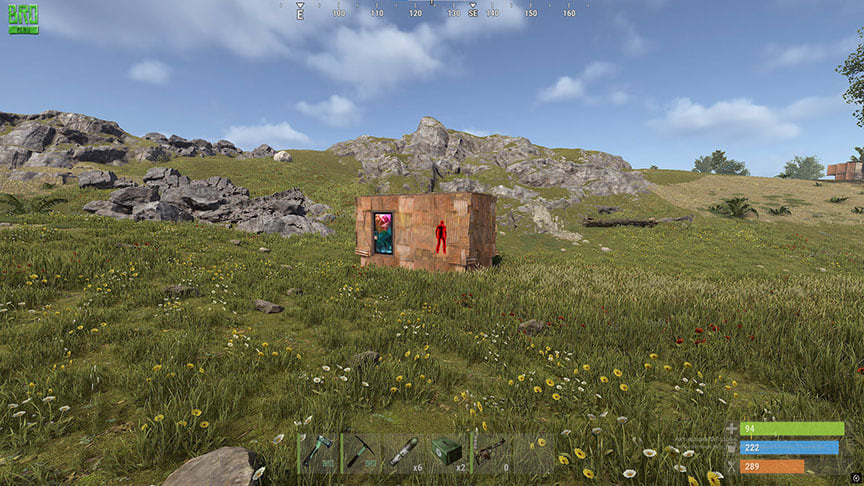
SMG hack for Rust
SMGSMG is chams only — you see the targets in Rust, the gunplay stays yours. Supported client: Steam version of RUST only.
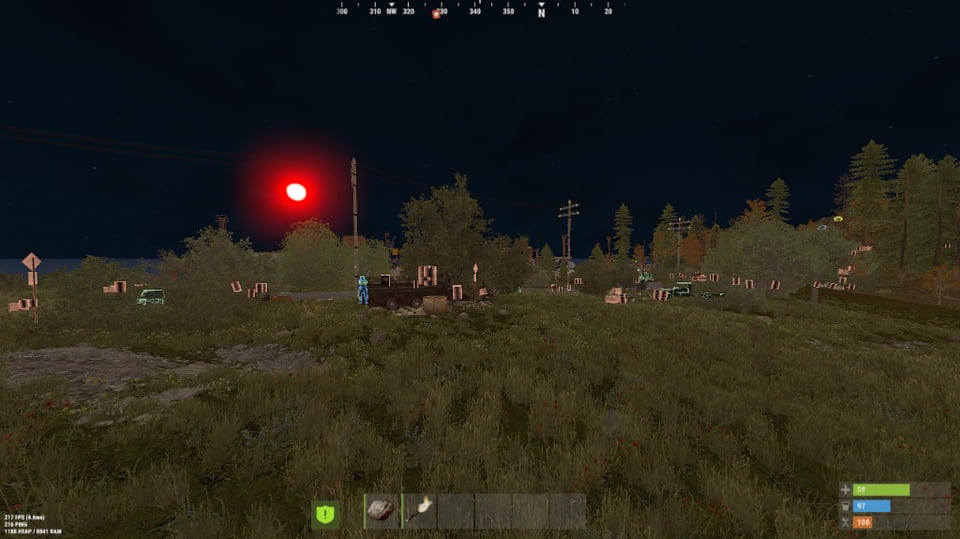
SMG Chams+: model highlight for Rust
SMGSMG Chams+ is chams only — you see the targets in Rust, the gunplay stays yours. Supported client: Steam.
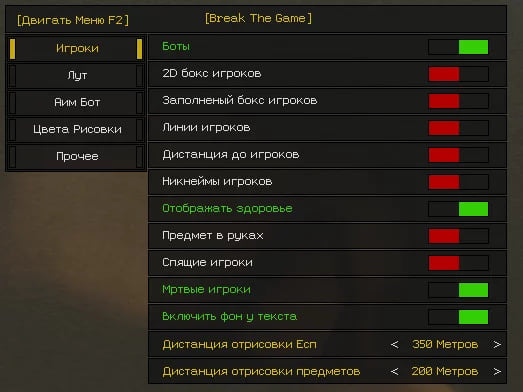
BTG hack for Rust
BTGBTG covers both sides of Rust — aim modules and on-screen data — across 26 menu entries. Screen capture bypass is declared, so the overlay stays out of recordings.
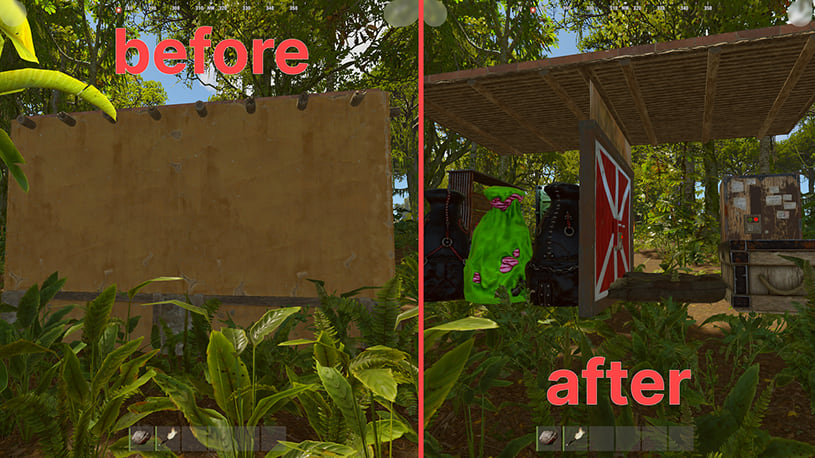
Chams cheat Stealth Lite for Rust
StealthStealth Lite is a separate set of visual Rust tools.
- Toggle chams — F5
- Bright night — F6
- Camera flight — F9
Steam client and UEFI BIOS only.