MASON VOID: Aimbot and ESP for PUBG
MASON VOID for PUBG now detects the active weapon category automatically and keeps separate aiming profiles for AR, DMR, SR, LMG, SMG, pistols and shotguns.
Choose period
Mason
Before you buy
- Operating system
- Windows 10 x64: 2004 (19041), 20H2 (19042), 21H1 (19043), 21H2 (19044), 22H2 (19045); Windows 11 x64: 21H2 (22000), 22H2 (22621), 23H2 (22631)
- Processors
- Intel and AMD
- Supported game version
- Steam
- Game mode
- Windowed mode
This is a summary. Check all requirements and ask the seller about unknown conditions.
Payment and delivery via Digiseller. The key arrives by email right after payment.
This is a digital product: there is no physical shipping or separate shipping charge.
Screenshots
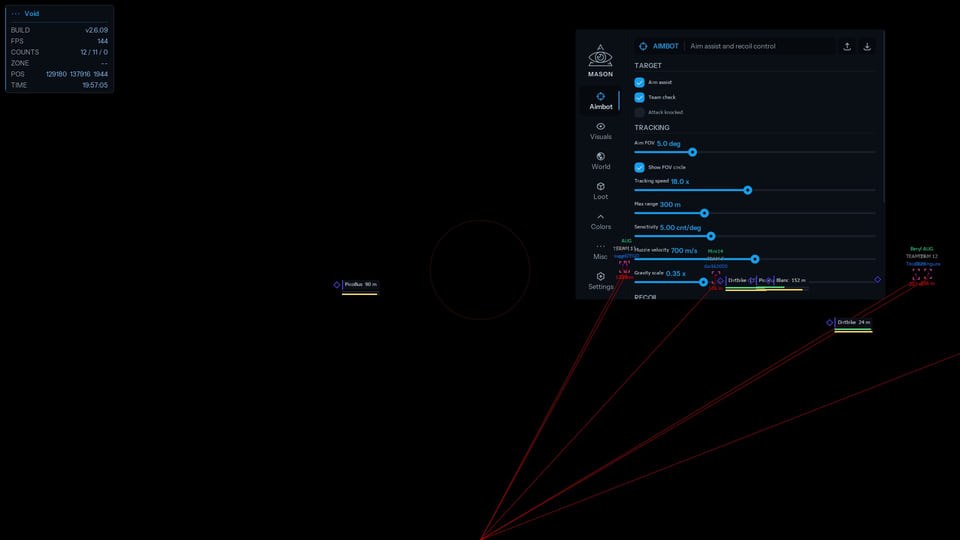
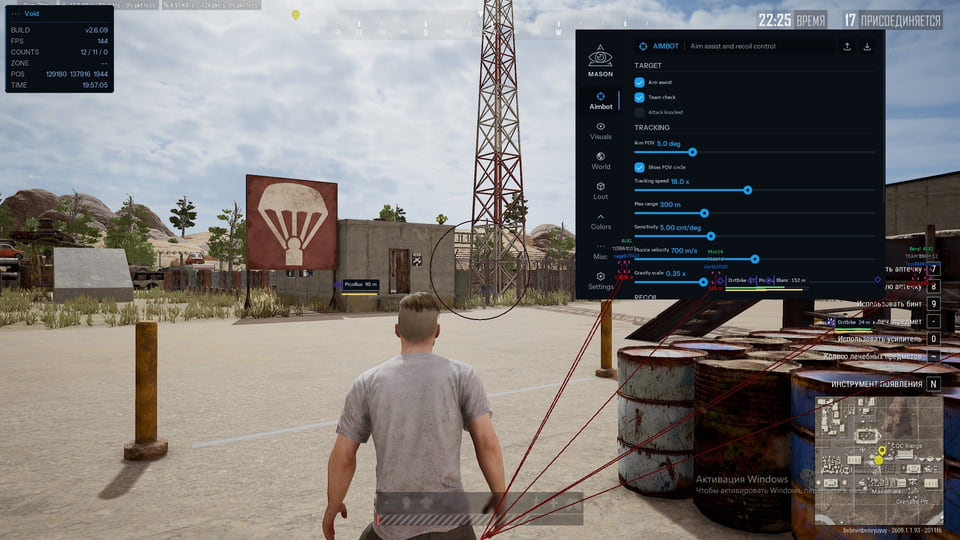
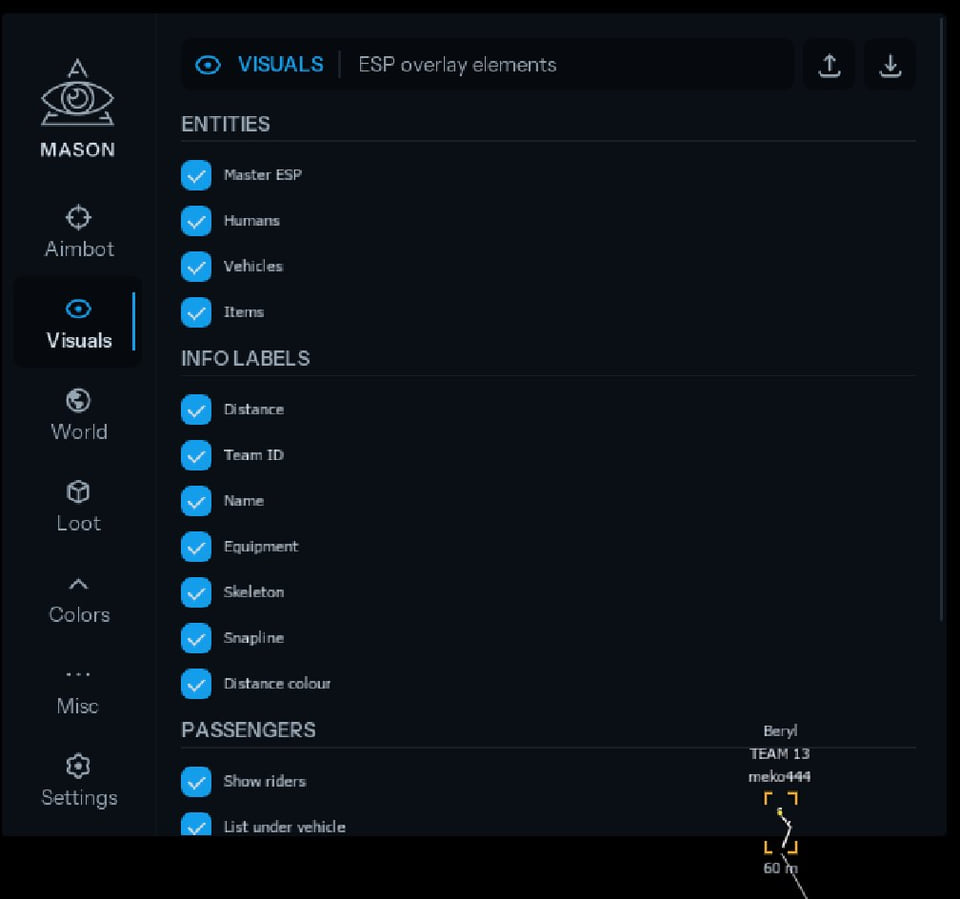
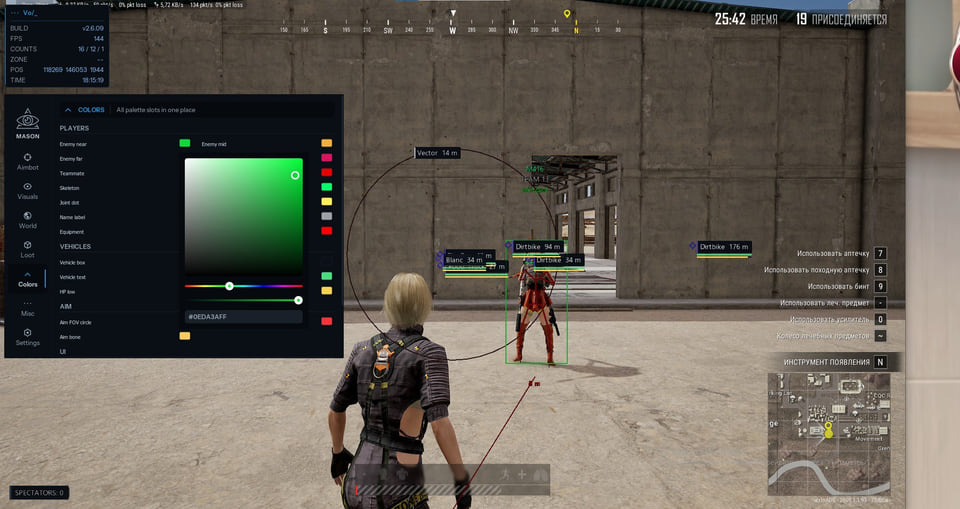
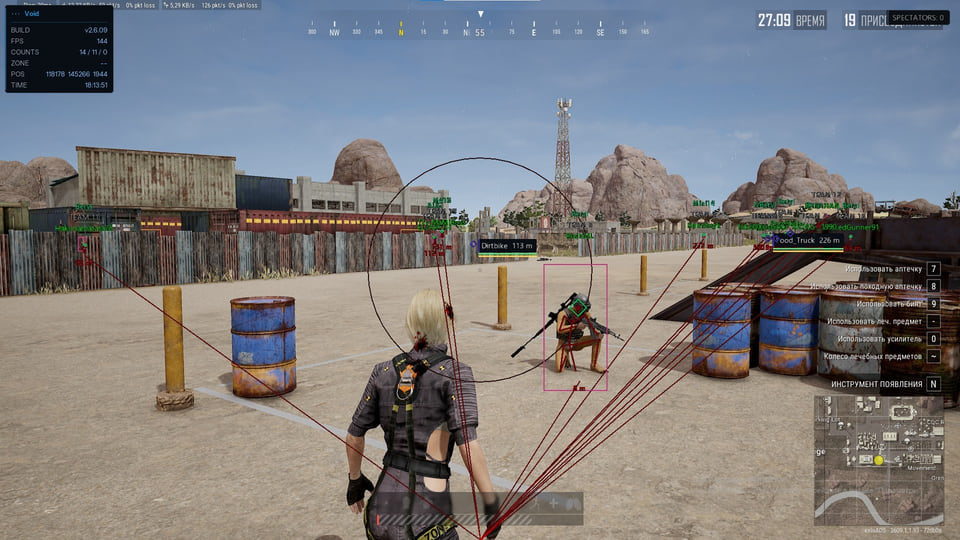
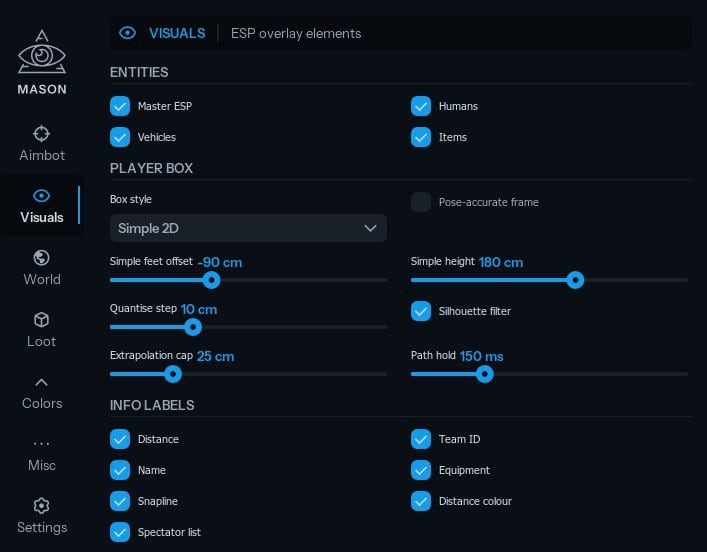
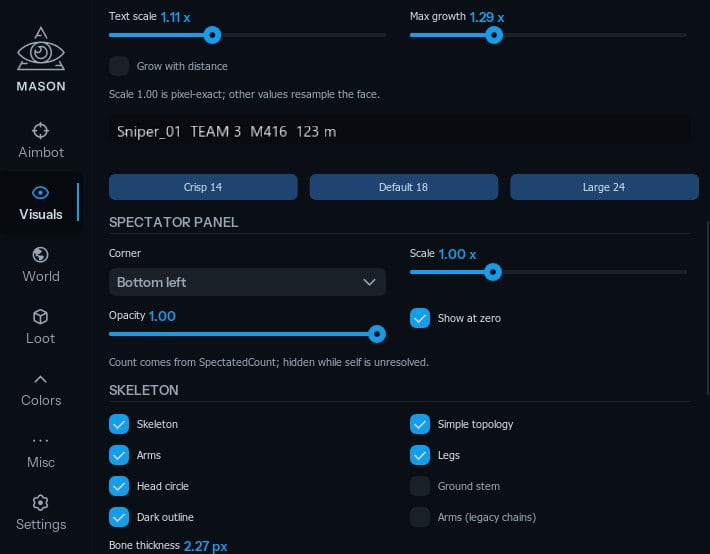
Video demo
The player needs scripts, and they are currently off: Open the video file →
Features
26Aimbot and ballistics
- Automatic active weapon-category detection with separate profiles for AR, DMR, SR, LMG, SMG, Pistol and Shotgun
- Per-profile FOV, speed, range, sensitivity, Sticky, Bone, RCS and ballistics settings
- Fixed false lead on stationary targets; the head marker stays on the head after a target stops
- Improved behaviour while moving and during sudden direction changes
- Ballistics account for projectile flight time, data latency, input delay and feed-forward
- Improved target selection, retention and switching
- Fixed operation while crouching and leaning
RCS and mouse
- Fixed RCS and restored advanced recoil-compensation controls
- Added mouse-driver status
- Kernel Mouse starts automatically with the program
- Removed input lag and cursor drift in the menu and Windows
ESP and visuals
- Boxes, skeletons and markers track players more accurately; offset during fast mouse movement is fixed
- Visual elements respond faster to camera movement
- Fixed the skeleton “third leg” artefact
- Improved font clarity and added weapon-category icons
Vehicles
- 2D boxes, names, distance and health
Loot
- Loot names, boxes and distance
- Pickup items and loot bags
Interface and configuration
- Completely redesigned Aimbot tab with a cleaner, simpler layout
- Old configurations are migrated to the new format automatically
Performance and stability
- Reduced CPU and game-thread load with more stable combat frametimes
- Smart update queue prioritises targets, then vehicles and loot
- Heavy operations moved to background threads
- Improved detection of an already running game
- A single read failure no longer clears current data
- Fixed BSODs, freezes, crashes and minor errors
Safety
Third-party software can lead to an account restriction; current status and careful use do not guarantee safety.
Check your Windows build and switch to windowed mode before paying. No capture bypass is declared, so recordings and screen shares may show the program interface.
System requirements
| Supported game version | Steam |
|---|---|
| Game mode | Windowed mode |
| Os | Windows 10 x64: 2004 (19041), 20H2 (19042), 21H1 (19043), 21H2 (19044), 22H2 (19045); Windows 11 x64: 21H2 (22000), 22H2 (22621), 23H2 (22631) |
| Anti cheats | BattlEye (stated by the developer) |
| Processors | Intel and AMD |
| Obs bypass | No |
The reworked Aimbot switches profile with the weapon category. Each profile has its own FOV, speed, range, sensitivity, Sticky, Bone, RCS and ballistics controls. Lead calculation now includes projectile flight time, data latency, input delay and feed-forward, with fixes for stationary targets, sudden direction changes, crouching and leaning.
RCS and mouse input
The developer fixed RCS and restored the advanced recoil-compensation controls. The interface now reports mouse-driver status, while Kernel Mouse starts with the program. Input lag and cursor drift in the menu and Windows have also been addressed.
ESP and visual tracking
Boxes, skeletons and markers follow players more accurately and respond faster to camera movement. The update fixes offset during sharp mouse movement and the extra “third leg” skeleton artefact. Fonts are clearer, and weapon categories now have their own icons. Vehicle and loot ESP remain available.
Interface, performance and stability
The Aimbot tab has been rebuilt, and old configurations migrate to the new format automatically. CPU and game-thread load is lower, heavy work runs in the background, and the update queue processes targets before vehicles and loot. A single read failure no longer clears current data; running-game detection is improved, with fixes for BSODs, freezes and crashes.
Check before buying
You need the Steam version of PUBG, windowed mode, an Intel or AMD processor and one of the listed Windows 10/11 builds. BattlEye support is declared. There is no capture bypass, so the menu and overlay may appear in recordings or screen shares.
Licence lengths
Licences are available for 1, 3, 7 and 30 days. Each price appears in the purchase panel and is refreshed from DigiSeller data.
What to know before buying
How payment and delivery work
Checkout happens on the seller's side: for most cheats that is Digiseller, where the key appears on the order page as soon as the payment clears and is mirrored to your email. Some cheats are delivered manually — the key arrives once the seller confirms the order, and that is almost always the only reason for a delay. The licence countdown starts when the key is activated, not when you pay.
Ban risk, plainly
There is no safe cheat — only different odds of being caught in the next wave. Nobody compensates a lost game account: the key pays for access to software, not for an outcome.
Why cheats get detectedBefore the first launch
A radar renders on a second screen or phone and never touches the game itself — that is what makes it calmer than internal cheats. The phone link needs both devices on one network, so set it up before the match, not in the lobby.
Safe launch checklistSetup guide
This page walks you through starting any Mason cheat: how to prepare the game, download and run the loader, complete the injection, and open the in-game menu. The second part shows how to store your settings in a text file so you can reload them on later sessions.
FAQ
What changed in the major MASON VOID update?
Which weapon categories have separate profiles?
Do I need to rebuild my configuration?
Will the overlay show up in recordings?
How long can I buy MASON VOID for?
Other cheats for PUBG
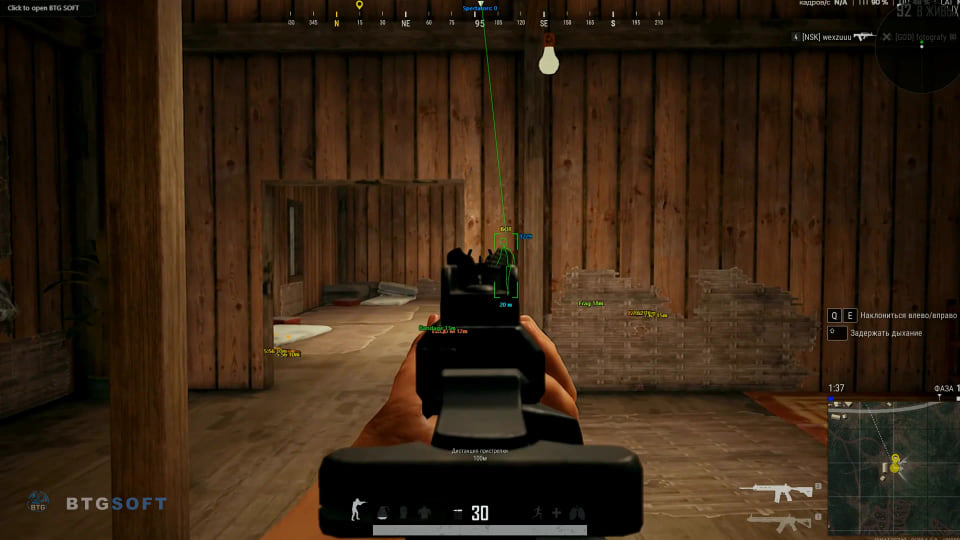
BTG hack for PUBG
BTGBTG overlays player and loot information in PUBG; the latest update brings a cleaner menu and more practical item filtering.
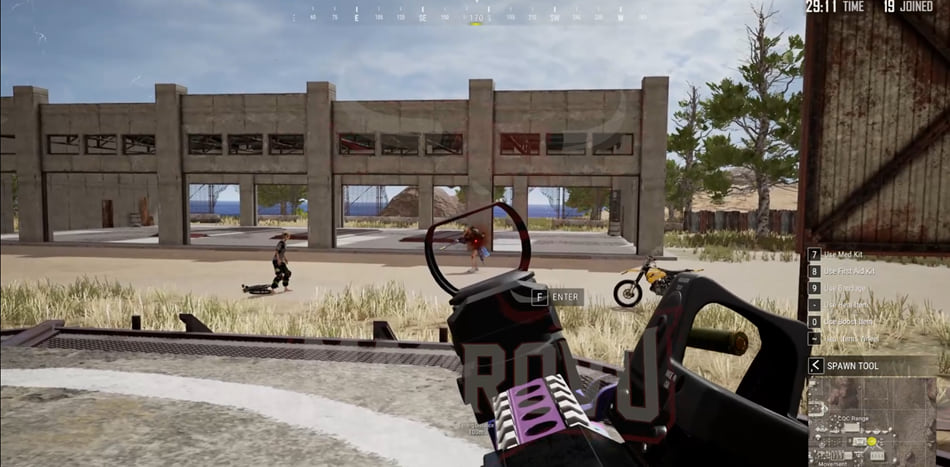
CMD Macro: utility for PUBG
CMDCMD Macro solves one narrow task in PUBG and does not pretend to be a full cheat. Deliberately left out: ESP, Wallhack and Loot ESP.
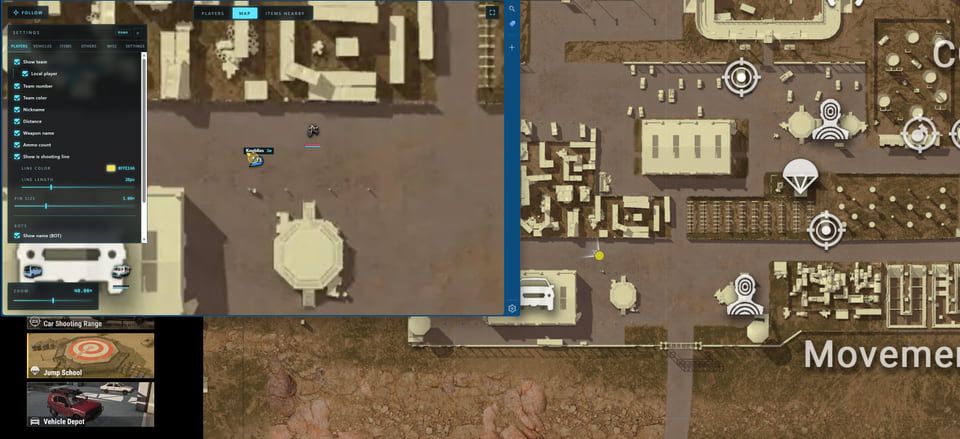
Arcane Web Radar — cheat for PUBG
ArcaneArcane Web Radar displays the PUBG map in a browser.
- Player and team information
- Vehicle health and fuel
- Item search and map routes
The requirements specify 12 GB of RAM.
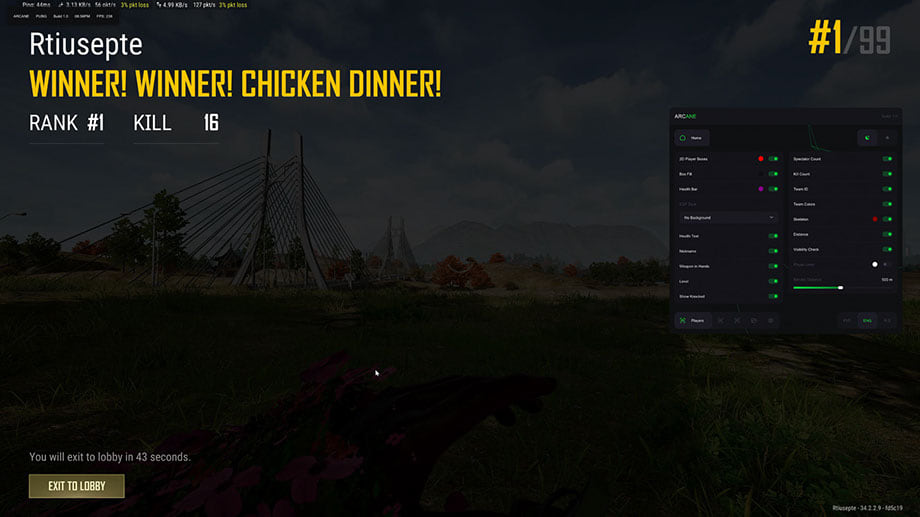
Arcane ESP hack for PUBG
ArcaneArcane ESP focuses on player and world information in PUBG.
- Player 2D boxes and skeletons
- Container contents
- Selected-item filters
Laptops are not supported.