Ancient browser radar for Delta Force
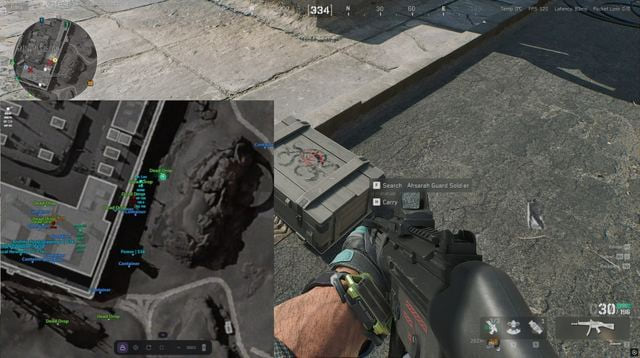
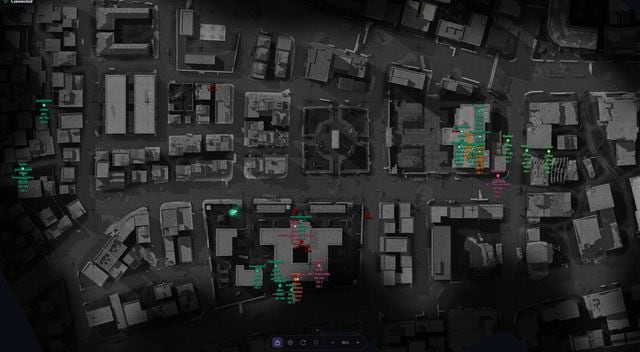
Keep the raid map on another screen. Ancient sends the Delta Force view to your browser, with a shareable link your teammates can open too.
- Platform Delta Force
- Developer Ancient
- By software type Radars
Choose period
Ancient
Before you buy
- Виртуализация / Hyper-V / режим биос / формат диска / Secure Boot
- виртуализация: Enabled: SVM (AMD) / VT-X (Intel); Hyper-V: Disabled (AMD and Intel); режим биос: UEFI / Legacy (AMD / Intel); формат диска: GPT / MBR (AMD / Intel); Secure Boot: Disabled
- Оперативная память
- 16 GB or more
This is a summary. Check all requirements and ask the seller about unknown conditions.
Payment and delivery via Digiseller. The key arrives by email right after payment.
This is a digital product: there is no physical shipping or separate shipping charge.
Screenshots
Video demo
The player needs scripts, and they are currently off: Open the video file →
Features
73About the radar
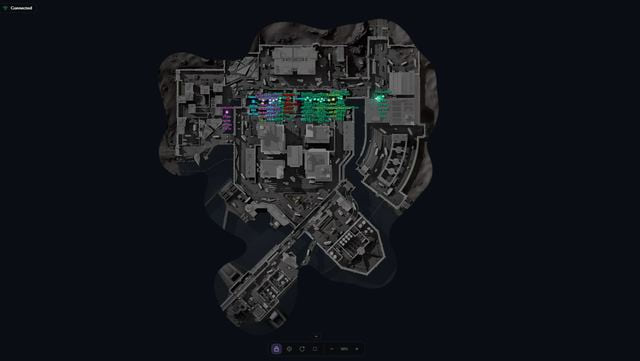
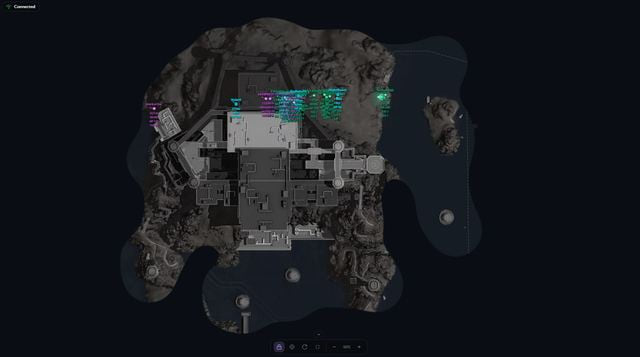
- Live browser map for Delta Force showing enemies, AI and loot
- Open on a PC, phone or tablet alongside the game
- Share the radar link with teammates
Players and AI
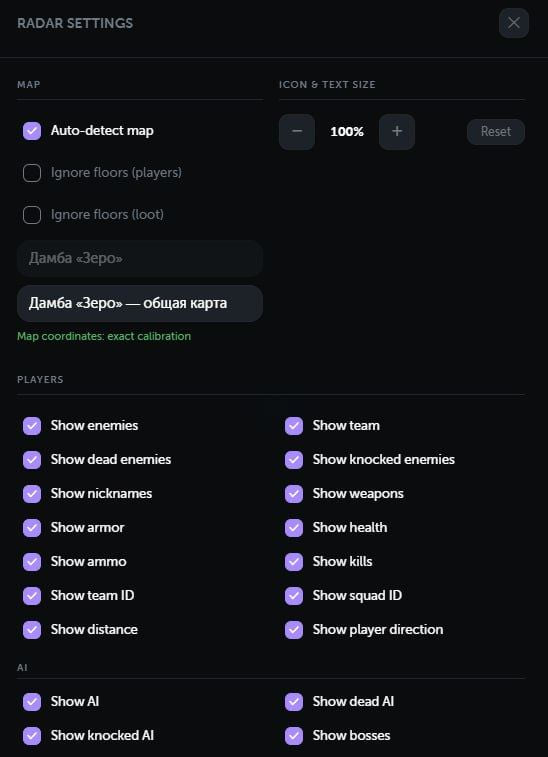
- Real-time enemies and teammates
- Regular AI enemies and bosses
- Separate markers for living, knocked and dead targets
- Player names
- Equipped weapon
- Current and maximum ammunition
- Health and health while knocked
- Helmet and body armour tiers
- Kill count
- Team and squad IDs
- Distance to each target
- Player viewing direction
- Indicator showing targets above or below your floor
- Separate colours for visible targets
- Automatic colour grouping of enemies on the same team
- Correct positions for players in vehicles
Loot categories — Operations maps only
- Weapons
- Attachments
- Ammunition
- Resources
- Consumables
- Keycards
- MandelBricks
- Backpacks
- Helmets
- Body armour
- Chests
- Dead bodies
- Computers
- Containers
- Safes
- Unknown items for diagnostics
Loot settings
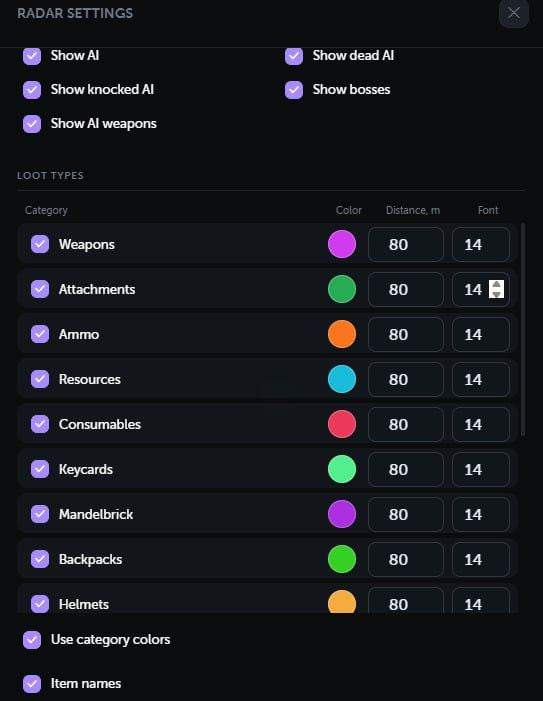
- Enable or disable each category
- Item names
- Item or container value
- Rarity filter: tiers 1–6
- Minimum price filter
- Global maximum distance
- Separate distance for each category
- Separate colour for each category
- Separate text size for each category
- Separate item and container settings
- Filter loot by floor
Maps
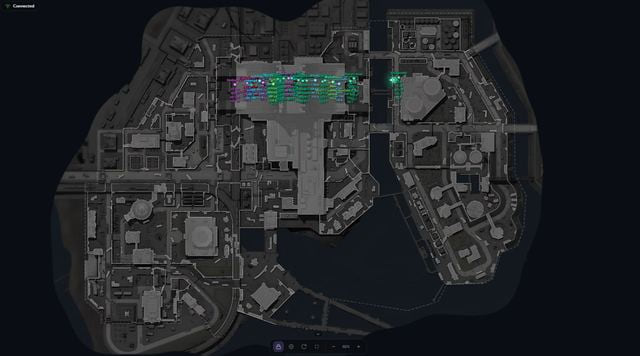
- Support for 22 Delta Force maps
- Automatic current map detection
- Manual map selection
- Multiple map floors and layers
- Separate player and loot floor filters
- Accurate alignment of game coordinates with the map
- Built-in calibration tool for new maps
- Calibration controls automatically hidden on calibrated maps
- Relative coordinates for maps that are not yet calibrated
- Loot automatically disabled on maps where it is unavailable
Radar controls
- Automatically follow your player
- Pan freely with the mouse or touch
- Quick return to your player
- Optional rotation with viewing direction
- Zoom with buttons, mouse wheel or gestures
- Fullscreen mode
- Collapsible bottom control panel
- Adjustable marker and text sizes
- Your player’s viewing direction and field of view
Interface
- Player, AI and loot counters
- Client connection status
- Notification when the client is not in a match
- Custom colours for each target type
- Separate rarity colours for items and containers
- Settings saved in the browser
- Russian, English and Chinese interface
- Works on computers and mobile devices
Safety
Check your computer against the requirements before buying. Changing Hyper-V and Secure Boot affects system protection; follow the seller’s setup instructions. Third-party game software carries a risk of account restrictions.
System requirements
| Оперативная память | 16 GB or more |
|---|---|
| Виртуализация | Enabled: SVM (AMD) / VT-X (Intel) |
| Hyper-V | Disabled (AMD and Intel) |
| Режим биос | UEFI / Legacy (AMD / Intel) |
| Формат диска | GPT / MBR (AMD / Intel) |
| Secure Boot | Disabled |
| Просмотр радара | Browser on a PC, phone or tablet |
Ancient Delta Force Web Radar gives the map its own browser view. Use a computer, phone or tablet to watch it, then share the link with your squad. The supported selection covers 22 maps.
Read the fight
Enemies, friendlies, AI and bosses have live markers, with separate states for alive, knocked and dead targets. Player details include names, weapons, ammunition, health, equipment tiers, kills and team or squad IDs. Range, floor and viewing direction add context; players riding in vehicles keep accurate positions.
Sort Operations loot
Loot tracking is limited to Operations maps. Categories include weapons, ammunition, attachments, resources, consumables, keycards, MandelBricks, equipment, bodies and container types. Set minimum value, rarity from 1 to 6, range, colours and label size. Items and containers have their own settings, alongside a floor filter.
Move around the map
Choose a map manually or let the radar detect it. Follow your character, move the view freely, zoom, enable view-based rotation or use fullscreen. Floors, layers, new-map calibration and relative coordinates are supported. Russian, English and Chinese menus save preferences in the browser and report connection state and target counts.
Prepare the gaming PC
The supplied requirements call for at least 16 GB RAM and BIOS virtualization enabled through AMD SVM or Intel VT-X. Hyper-V and Secure Boot must be disabled. UEFI or Legacy boot and GPT or MBR disks are supported. These requirements apply to the gaming computer; a phone is a viewing device.
Choose access time
Licences last one day, seven days or 30 days. Each option opens its own original seller checkout link.
What to know before buying
How payment and delivery work
Checkout happens on the seller's side: for most cheats that is Digiseller, where the key appears on the order page as soon as the payment clears and is mirrored to your email. Some cheats are delivered manually — the key arrives once the seller confirms the order, and that is almost always the only reason for a delay. The licence countdown starts when the key is activated, not when you pay.
Ban risk, plainly
There is no safe cheat — only different odds of being caught in the next wave. Nobody compensates a lost game account: the key pays for access to software, not for an outcome.
Why cheats get detectedBefore the first launch
A radar renders on a second screen or phone and never touches the game itself — that is what makes it calmer than internal cheats. The phone link needs both devices on one network, so set it up before the match, not in the lobby.
Safe launch checklistFAQ
Can I use my phone as the radar screen?
Does loot tracking work on every map?
Which BIOS settings are required?
How long can I buy access for?
Other cheats for Delta Force
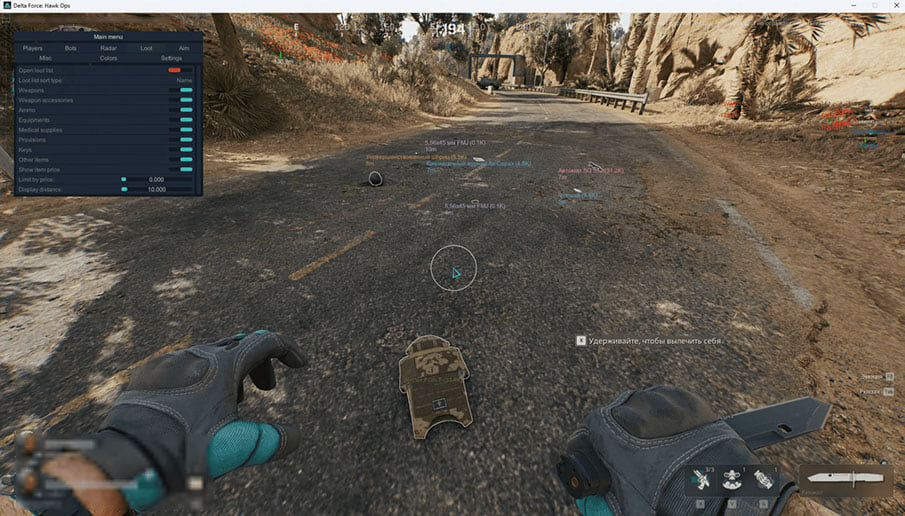
Crooked Arms for Delta Force: ESP, Radar and Aimbot
Crooked ArmsCrooked Arms gives Delta Force players separate controls for characters, bots, items and vehicles. Access is offered for one day, one week or 30 days. The feature table lists the individual controls for each module.
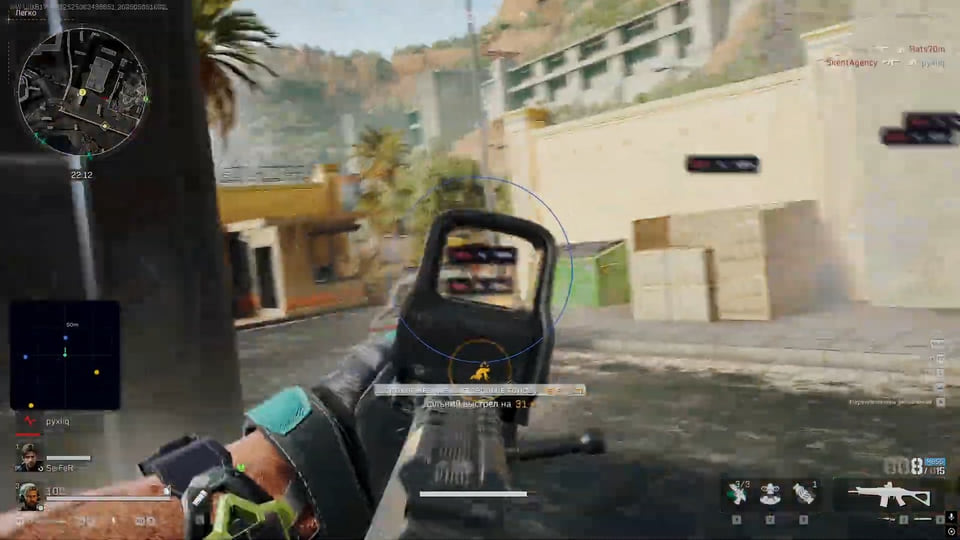
Ghost DF Full: full cheat for Delta Force
GhostGhost DF Full is an all-in-one cheat for Delta Force, from crosshair assistance to map markers. Supported client: Steam.

Ghost DF Chams hack for Delta Force
GhostThe reworked Ghost DF Chams for Delta Force uses red models for players and blue models for bots. Supported client: Steam.
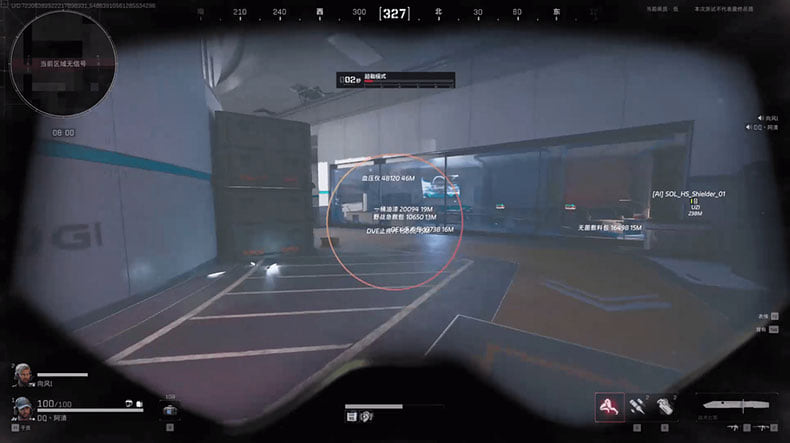
Fecurity hack for Delta Force
FecurityThe full package for Delta Force: Fecurity puts combat and visual modules in one menu.