Arcane hack for Dead by Daylight
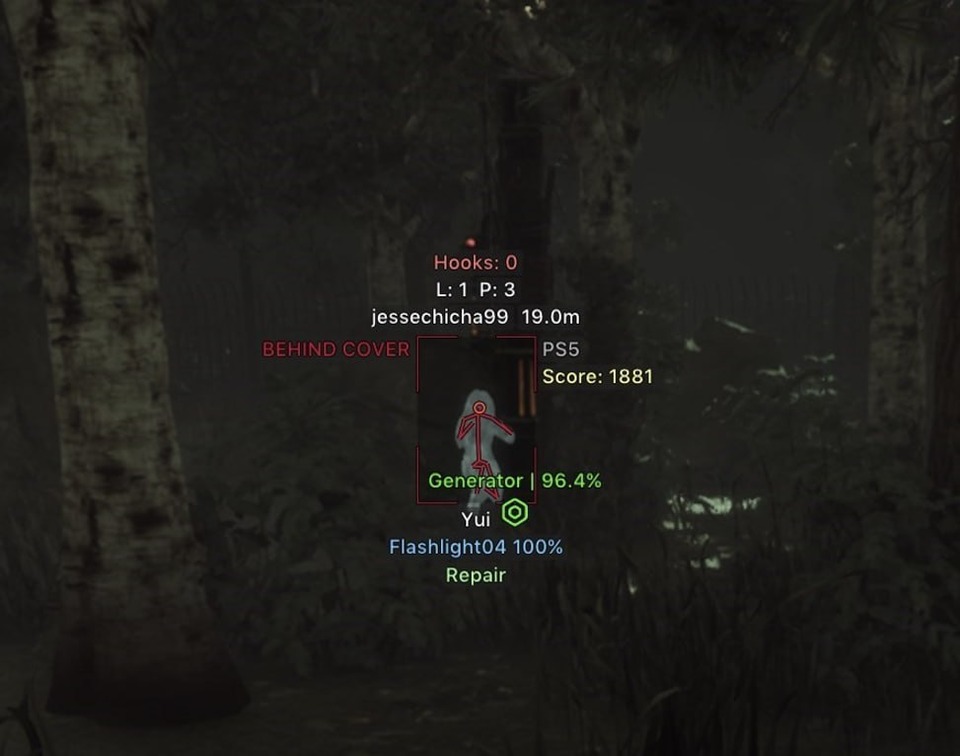
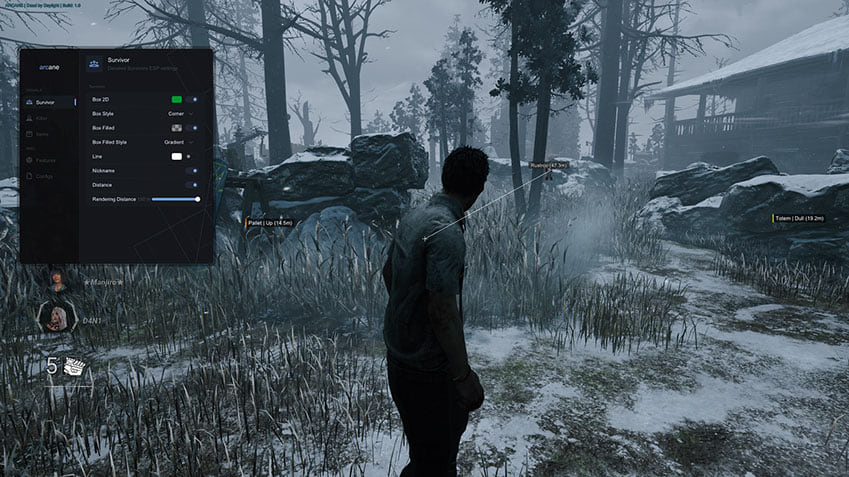
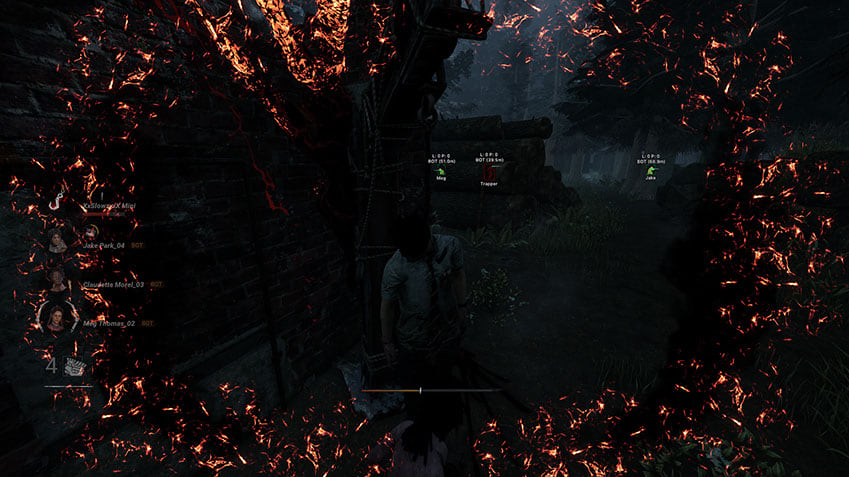
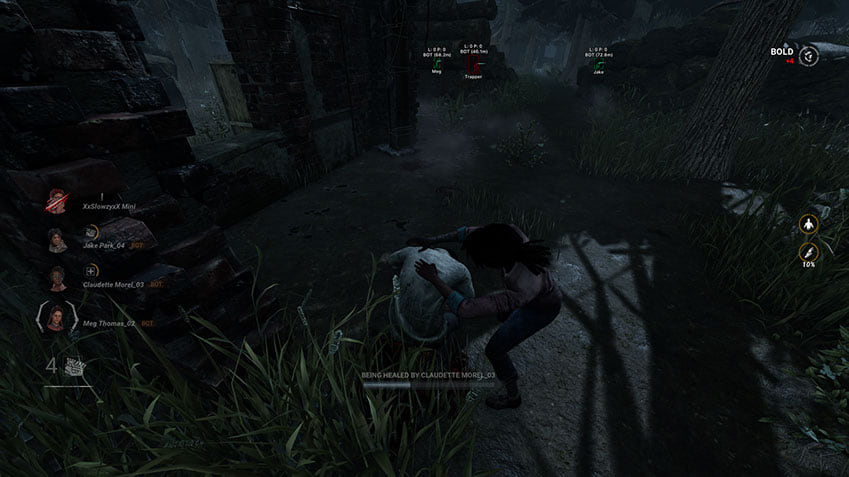
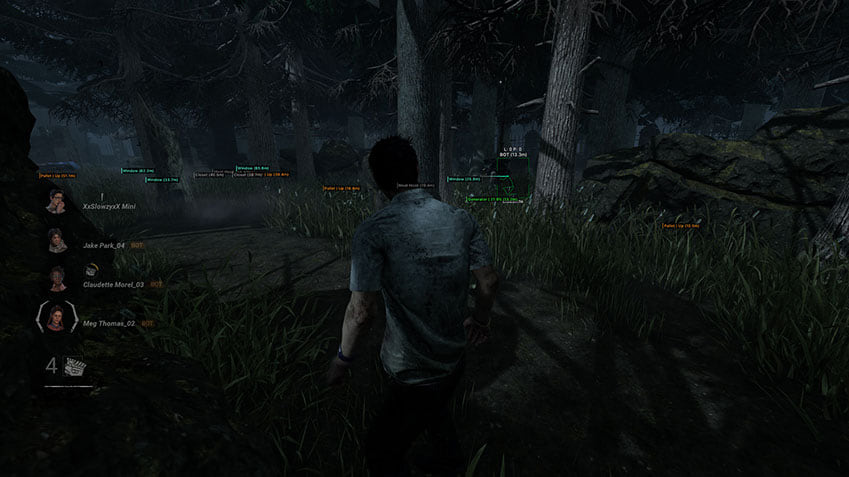
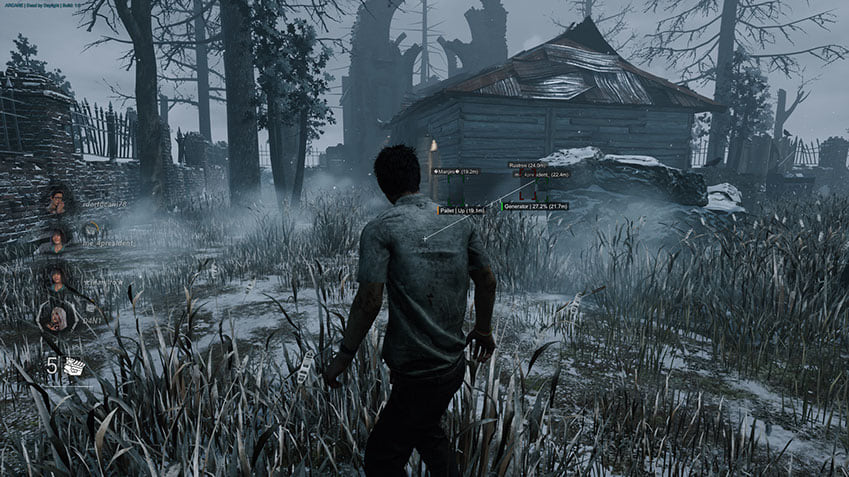
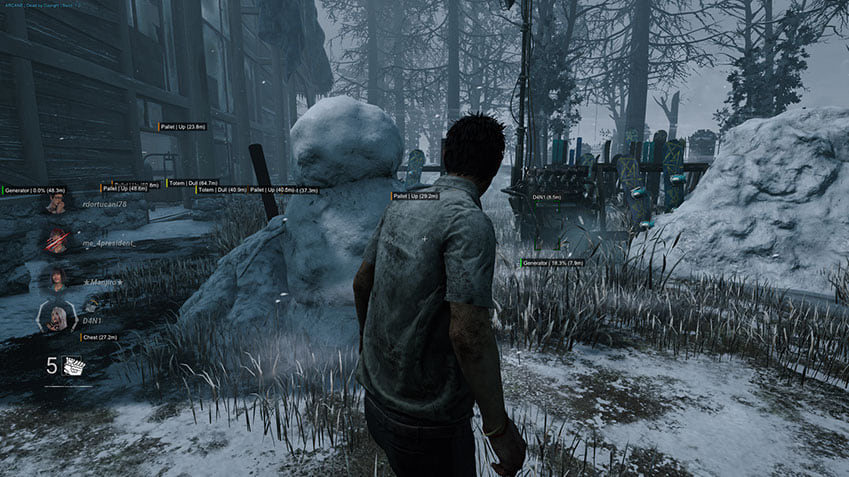
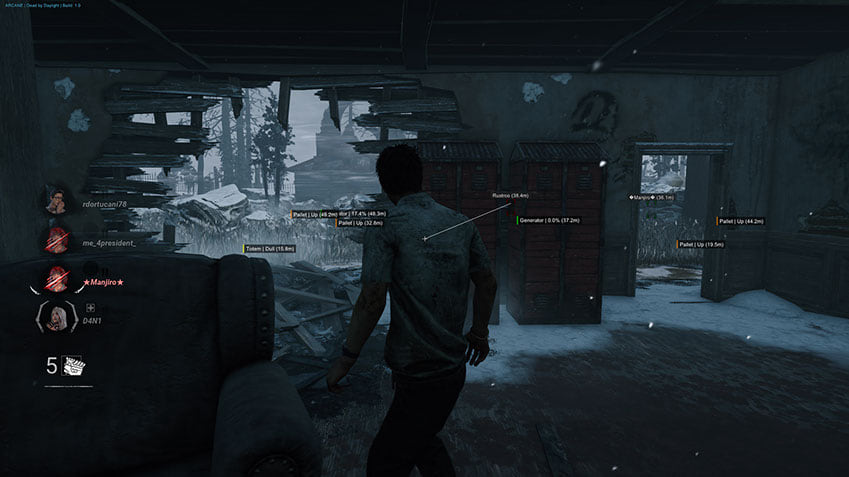
The Arcane update for Dead by Daylight expands role-specific aiming and ESP, with new Glow, Radar and Lobby tabs. The feature table and a new gameplay image show the updated options.
- Platform Dead by Daylight
- Developer Arcane
Choose period
Arcane
Before you buy
- Operating system
- Windows 10-11 (26H1, 26H2) x64;
- Processors
- Intel and AMD;
- Game version
- Steam, Epic Games, Microsoft Store;
- Game mode / Gpu
- Game mode: Windowed / Borderless;; Gpu: Nvidia and AMD;
This is a summary. Check all requirements and ask the seller about unknown conditions.
If payment does not go through
A second checkout at eliteseller.ru in case the option above does not go through. Same seller; the price may differ — it is set there separately.
Payment and delivery via Digiseller. The key arrives by email right after payment.
This is a digital product: there is no physical shipping or separate shipping charge.
Screenshots
Video demo
The player needs scripts, and they are currently off: Watch onKinescope →
Features
216Aimbot
- Keybind - Activation key
- Draw FOV Border - Draw a circle FOV (draws only when you play as killer)
- Draw FOV Background (draw the background of the FOV circle)
- FOV Size - FOV circle size
- Smooth - Smoothness
- Separate aim settings for Global, Killer and Survivor
- Force aim key
- Lock target
- Shift to head
- Visibility check
- Max distance
- Target switch delay
- Humanization system
- Target choice: Players, Bots, Teammates
- Target selection: Closest to crosshair, Closest by distance
- Bone selection: Selected bones, Closest bone, Random bone
- Target bones: Head, Neck, Body, Pelvis, arms and legs
- Activation: On hold, Always
- Prediction
- Prediction cross
- Adaptive FOV
Survivor ESP
- Bounding box - Boxing 2D (Box, In the corners)
- Fill box - Box background (Static, Gradient)
- Skeleton - Skeleii (Thickness)
- Nickname - Nicky
- Health state - State of health
- Character level - Character level
- Prestige level - Prestige level
- Character name - Character name
- Distance - Distance to the player
- View line - Line of sight
- Line to enemy - Line to the player
- 3D box
- Visibility check: RayCast, Perfect
- Visible and invisible colors
- Head circle
- Filled head circle with its own color
- Skeleton: Same as box color
- ESP style: No background, With background
- ESP preview with draggable labels
- Perks
- Item and charge
- Add-ons
- Hook counter
- State
- Current action
- Platform
- Score
- Behind cover / visible
Killer ESP
- Bounding box - Boxing 2D (Box, In the corners)
- Fill box - Box background (Static, Gradient)
- Skeleton - Skeleii (Thickness)
- Nickname - Nicky
- Character level - Character level
- Prestige level - Prestige level
- Character name - Character name
- Distance - Distance to the player
- View line - Line of sight
- Line to enemy - Line to the player
- 3D box
- Visibility check: RayCast, Perfect
- Visible and invisible colors
- Head circle
- Filled head circle with its own color
- ESP style: No background, With background
- ESP preview with draggable labels
- Perks
- Power
- Power add-ons
- Bloodlust
- Current action
- Blindness
- Power: Nurse blinks
- Carried survivor
- Platform
- Score
- Behind cover / visible
- Killer sees you warning
- Killer sees you: killer FOV, max distance and size
Minions ESP
- Minions: Zombies, Guards, Victor, Snug
- Box
- Skeleton
- Name
- Distance
- Max distance
- State
- Target
Objects ESP
- Show State - Show state
- Show Distance - Show distance
- Max distance for each object
- Pallet: Hide fallen
- Meat Hook: Hide fully hooked
- Chest: Hide opened
- Chest: Hide empty
- Chest: Item inside
- Hatch: Show hidden
- Hatch: Hide force closed
- Escape door: Hide closed
- All / None buttons
Generators
- Show generator - Generator
- Disable on battle-mode - Disable generator rendering in battle mode
- Show percentage
- Hide repaired
Object categories
- Meat Hook - Hook
- Pallet - Pallet
- Window
- Closet - Wardrobe
- Chest - Box
- Totem - Totem
- Trap - Trap
- Hatch
- Escape Door - Exit
- Dropped items
- Breakable walls
- Killer power objects
- Event objects
Glow
- Outline for survivors and killer
- Color modes: ESP color, Static, Rainbow, Visibility
- Fill
- Thickness
- Opacity
- Size
- Max distance
- Object glow: Generators
- Object glow: Hooks
- Object glow: Pallets
- Object glow: Windows
- Object glow: Closets
- Object glow: Chests
- Object glow: Totems
- Object glow: Traps
- Object glow: Hatch
- Object glow: Exit gates
- Object glow: Dropped items
- Object glow: Breakable walls
- Object glow: Killer power objects
- Object glow: Event objects
- All / None buttons
Radar
- Radar
- Distance rings
- FOV cone
- Zoom
- Size
- Transparency
- Scale by distance
- Survivors: Max distance and Show on rim
- Killer: Max distance and Show on rim
- Items: Max distance and Show on rim
- Survivor color based on health
- Off-screen arrows (moved to Radar)
- Off-screen Range
- Off-screen Size
- Off-screen survivor color based on health
- Off-screen killer color based on distance
Lobby
- Lobby ESP: character name
- Lobby ESP: perks
- Lobby ESP: item / power and add-ons
- Lobby ESP: offering
- Show yourself
- Auto search with its own delay
- Auto ready with its own delay
- Auto leave after match with its own delay
- Leave lobby key
- Work in background
- Auto dodge by minimum prestige
- Auto dodge by chosen survivor or killer perks
Skill checks
- Enable - Activate
- Perfect Chance - Perfect Chance
- Good Chance - Good chance
- Auto Wiggle - Automatic wiggle
- Press delay min / max
- Failed check to Great
- Skillcheck indicator
Killer
- No Attack Cooldown
- Infinite Lunge
- Lunge range
- Attack cooldown
- 360 turns (Billy, Chucky)
- Kill aura
- Spinbot
Survivor
- Auto-pallet
- Auto Dead Hard with its own key
- Auto Dead Hard trigger distance
- Auto Head On with its own key
- Auto Head On distance
Camera
- Free camera with its own key
- Free camera speed
- Third person as killer
- First person as survivor
- Remove black bar
Visuals
- Fullbright
- Lighting: Brightness
- Lighting: Fixed exposure
- No post-processing
- No screen effect
- Scratch mark
- Fake killers
- Flashlight color
- Red stain color
Miscellaneous
- Battle mode - Battle mode (disables unnecessary ESP to concentrate on the gameplay)
- Crosshair - Static cursor
- FOV Changer - Changing the viewing angle
Settings
- Menu key - Menu activation key
- Unload key - Menu unload key
- DPI Scale - UI size
- VSync - Vertical synchronization (best used in conjunction with in-game)
- Theme - Theme (Dark, Light)
- Watermark - Watermark
- Language - Language (EN, RU, CH)
Configurations
- Create - Create
- Get shared - Get shared access (the ability to download your friend's configuration using a unique key)
- Launch - Launch
- Save - Save
- Edit name - Change name
- Share - Share
- Remove - Remove
Safety
Run the first session with a minimal set of modules and in the required window mode.
The required window mode is Windowed / Borderless; set it before entering a match. With no capture bypass declared, a screen share or a clip shows the menu in full.
System requirements
| Game version | Steam, Epic Games, Microsoft Store; |
|---|---|
| Game mode | Windowed / Borderless; |
| Processors | Intel and AMD; |
| Gpu | Nvidia and AMD; |
| Os | Windows 10-11 (26H1, 26H2) x64; |
| Video or screenshot invisibility support | None; |
Arcane now separates aim settings for killer and survivor roles. Target types, bones, visibility checks, switching delays and prediction can be configured, alongside humanization and Adaptive FOV.
Reading the match
Survivor and killer labels add perks, add-ons, current actions, platform and score. Drag labels in the ESP preview to choose their positions. Zombies, Guards, Victor and Snug have a dedicated section, while object filters cover state and distance.
Three new control panels
Glow controls character and object outlines. Radar brings the radar and off-screen arrows together with range and color settings. Lobby displays pre-match loadouts and perks, with separate delays for automatic searching, readiness and leaving.
Further additions
The update also expands skill checks, killer and survivor tools, camera modes and lighting controls. The table lists each declared setting. Check the requirements and purchase sections for supported systems and licence periods.
What to know before buying
How payment and delivery work
Checkout happens on the seller's side: for most cheats that is Digiseller, where the key appears on the order page as soon as the payment clears and is mirrored to your email. Some cheats are delivered manually — the key arrives once the seller confirms the order, and that is almost always the only reason for a delay. The licence countdown starts when the key is activated, not when you pay.
Ban risk, plainly
There is no safe cheat — only different odds of being caught in the next wave. Nobody compensates a lost game account: the key pays for access to software, not for an outcome.
Why cheats get detectedBefore the first launch
The routine is always the same: set the window mode from the requirements, start the software before entering a match, and do not switch everything on at once. The most dangerous window is the first days after a game or anti-cheat patch.
Safe launch checklistFAQ
What is included in Arcane?
Will the overlay show up in recordings?
How long can I buy Arcane for?
How does Arcane differ from the other cheats here?
Which system and client are supported?
Other cheats for Dead by Daylight
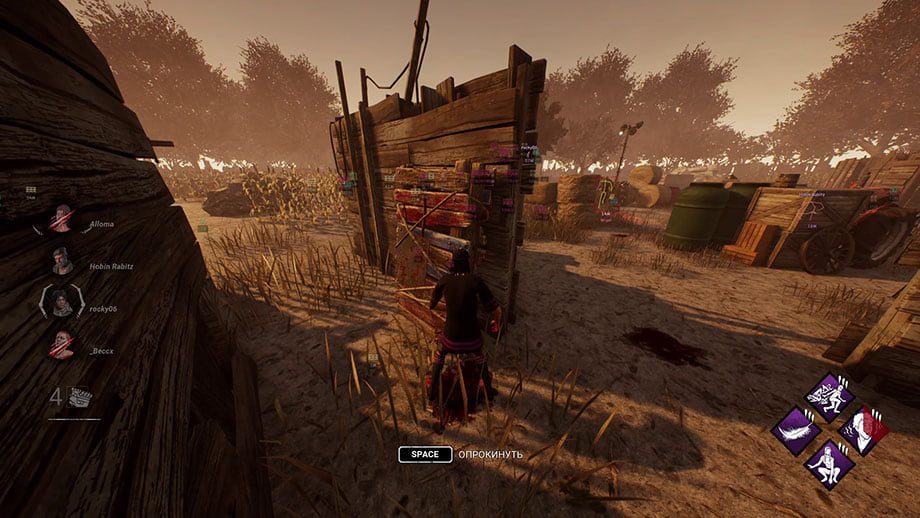
SMG hack for Dead by Daylight
SMGSMG is an all-in-one cheat for Dead by Daylight, from crosshair assistance to map markers. Supported client: Steam, Epic Games.
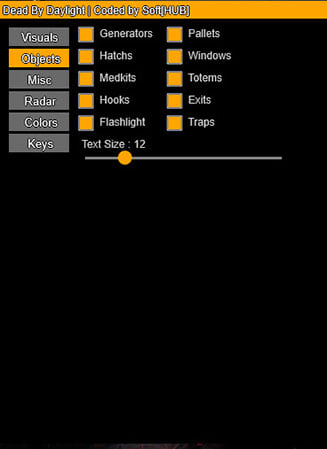
Soft Hub hack for Dead by Daylight
Soft HubSoft HUB is an all-in-one cheat for Dead by Daylight, from crosshair assistance to map markers. Supported client: Steam, Epic Games.
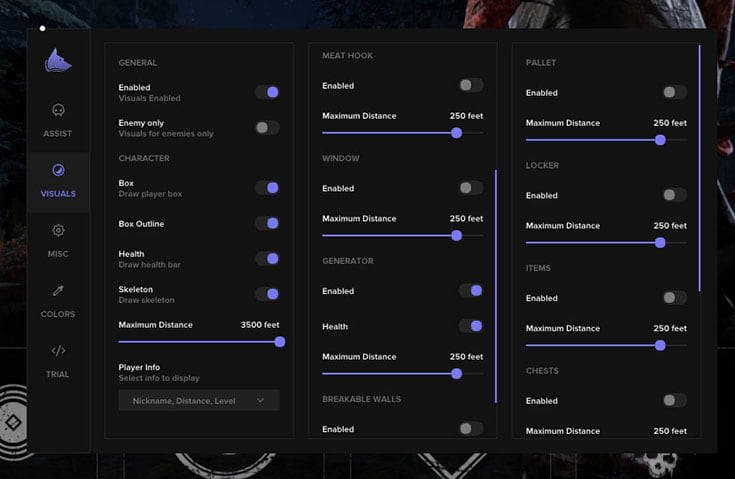
Fecurity hack for Dead by Daylight
FecurityFecurity layers information over Dead by Daylight — targets, loot, distances — without touching your aim. Supported client: Steam and Epic Games.
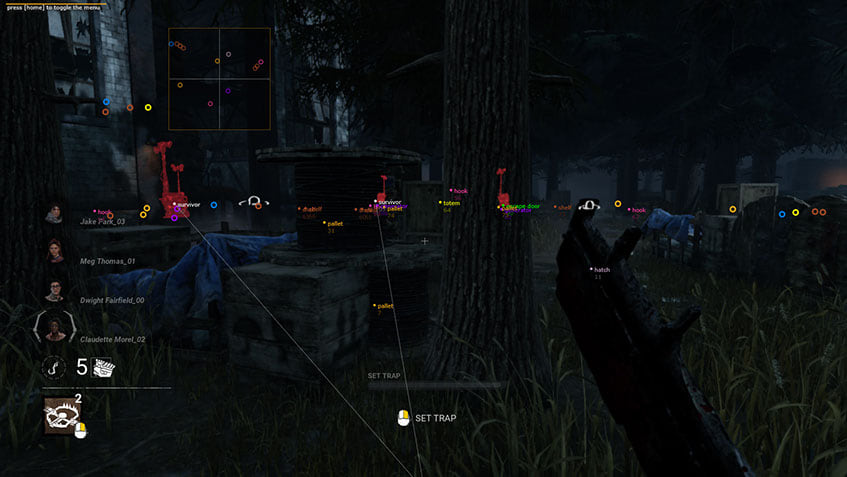
Mason hack for Dead by Daylight
MasonMason is an all-in-one cheat for Dead by Daylight, from crosshair assistance to map markers.